

Contractor guide
Claim lifecycle and audit
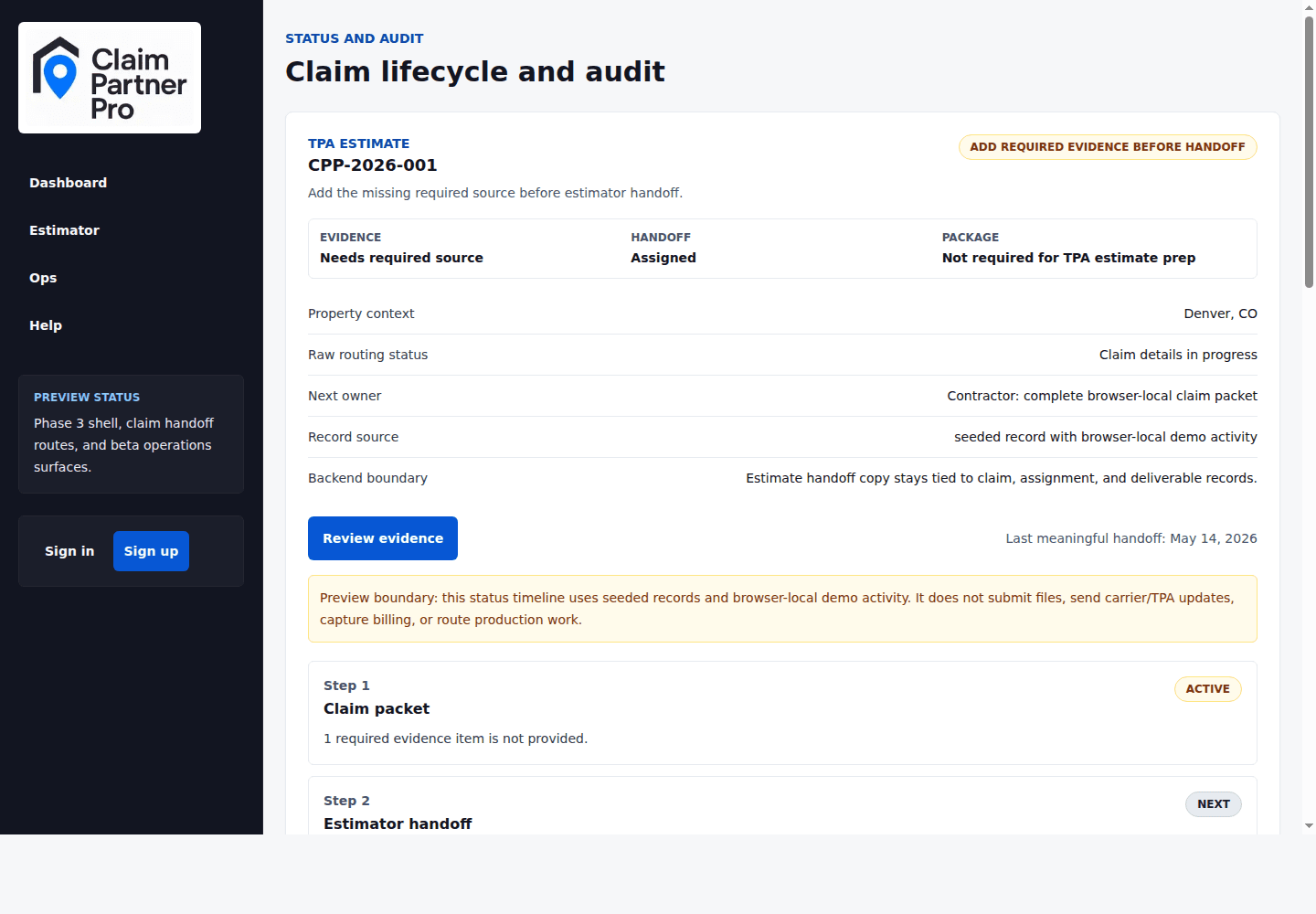
Track the claim from adding files, to the estimator, to sending the estimate back, review, and payment.
Audience
Contractors only
On this page
Read the lifecycle
The lifecycle steps show which parts of the claim are complete, active, or still pending. Use the active step to decide whether the next move belongs to your team, Claim Partner Pro, or the estimator.
History
The history lists key events such as estimator changes, status updates, and payment status changes. It helps owners see who changed what and when.
When status looks wrong
First check whether the page says it's showing demo data. Then compare the progress steps, the checklist, and the history. If they disagree on a real claim, send Claim Partner Pro support the claim number and the items that conflict.