

Contractor guide
Review estimator handoff
See which estimator has your claim, their qualifications, and whether they accepted the job.
Audience
Contractors only
On this page
What this page is for
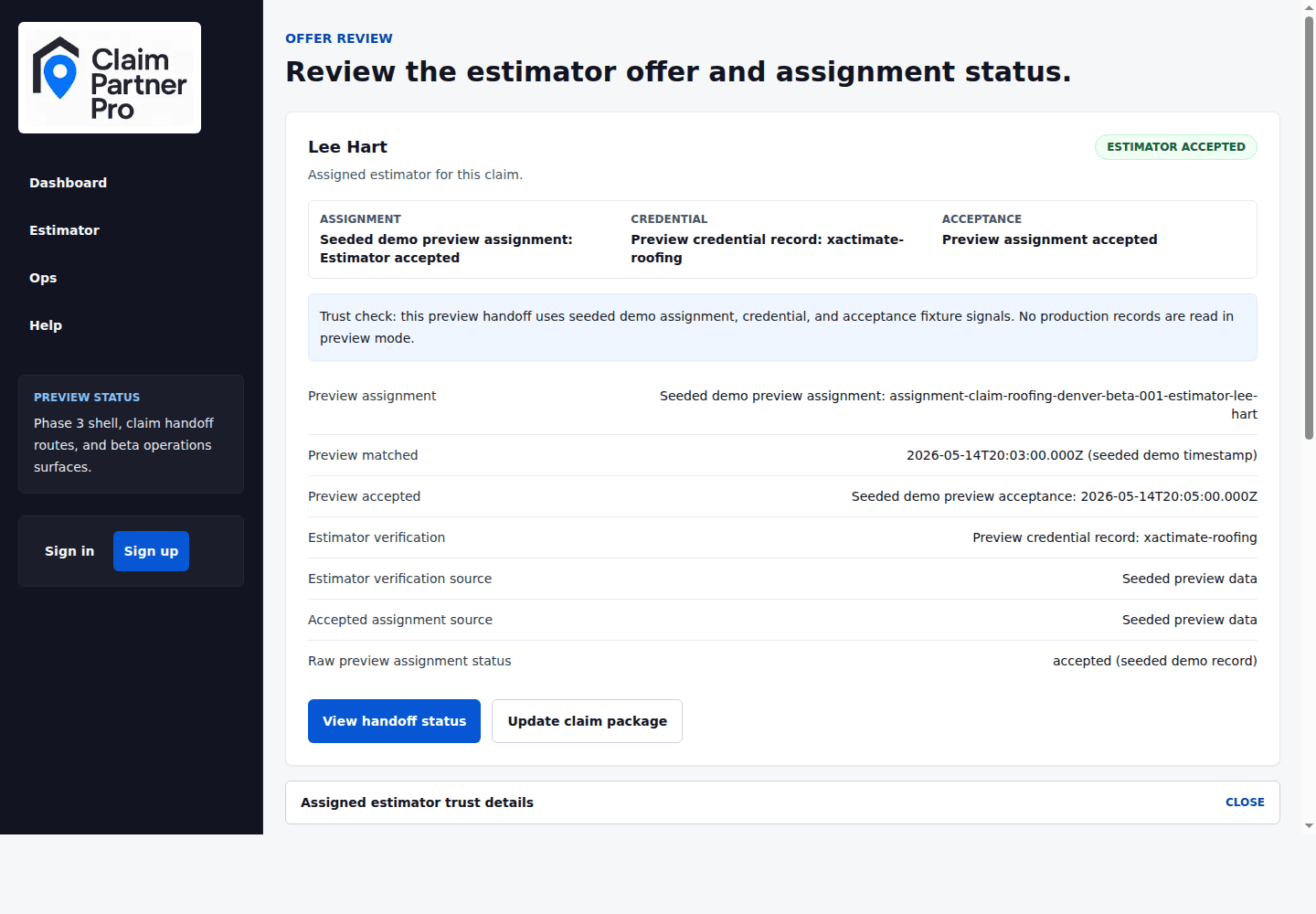
Review estimator handoff shows who is assigned to the claim and what we've confirmed about them. Use it to check the estimator's name, status, qualifications, and whether they accepted the work.
Trust signals
These labels show whether we've confirmed the estimator's assignment, qualifications, acceptance, receipt of your claim, and finished estimate. Confirmed details come from real records. Demo details are labeled so you don't mistake them for real ones.
Assignment status
Matched means we found an estimator. Accepted means the estimator took the job. Completed means the estimator finished the work. If the status is pending, keep your files ready and watch the dashboard for the next step.