

Contractor guide
Build a claim package
Choose the loss and estimate type, then add the scope, address, key dates, and carrier details before we send the claim to an estimator.
Audience
Contractors only
On this page
What this page is for
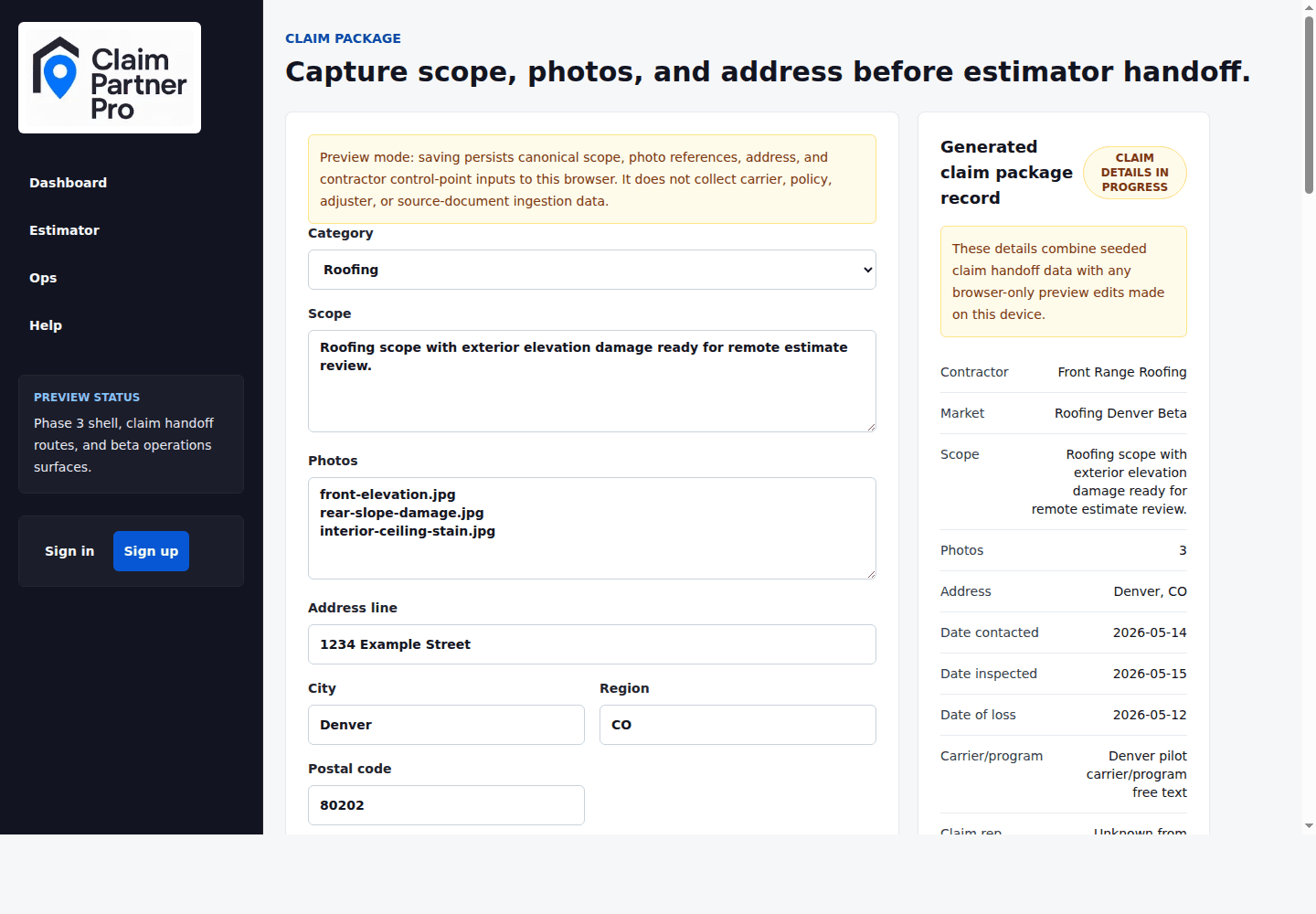
Build claim package starts with loss type and estimate type, then loads one page with the claim facts the estimator will rely on: typed or uploaded scope, loss address, inspection dates, carrier or TPA program context, and contractor notes.
Required claim details
Enter enough detail for an estimator to understand the job without calling your office for basic facts.
- Scope summary: concise description of damage, roof system, relevant trades, and requested estimate type.
- Scope upload: an optional PDF, JPEG, PNG, or WebP file that is saved with the request and visible to the estimator.
- Loss address: street, city, state, and postal code used for jurisdiction and pricing context.
- Key dates and carrier details: date of loss, date contacted, date inspected, carrier program, claim representative status, and notes.
Before estimator handoff
Before the estimator starts, compare your claim package with the checklist items on the status page. Every required file should be there in a form the estimator can recognize.
- For TPA estimates, confirm the original estimate is attached and the loss summary explains what you want estimated.
- For supplements, confirm the original estimate PDF or the original claim is listed. Don't swap in an ESX you wrote yourself when the page asks for the original.
- For photo-heavy losses, add the actual photos after request review and group them by elevation, room, trade, or inspection area.
- For uncertain carrier context, state what is known and what is missing instead of leaving a field blank without explanation.
Saving your work
Saving updates the latest claim request linked to your account. In demo mode, some saves stay in this browser only, so read the notes on the page.
Upload real files
Upload the scope file here and add the claim photos in the photo step. Typing a file name doesn't count as uploading it.