

Contractor guide
Fees, pricing, and payouts
View the all-in price for the claim and check payment status.
Audience
Contractors only
On this page
What the fees page shows
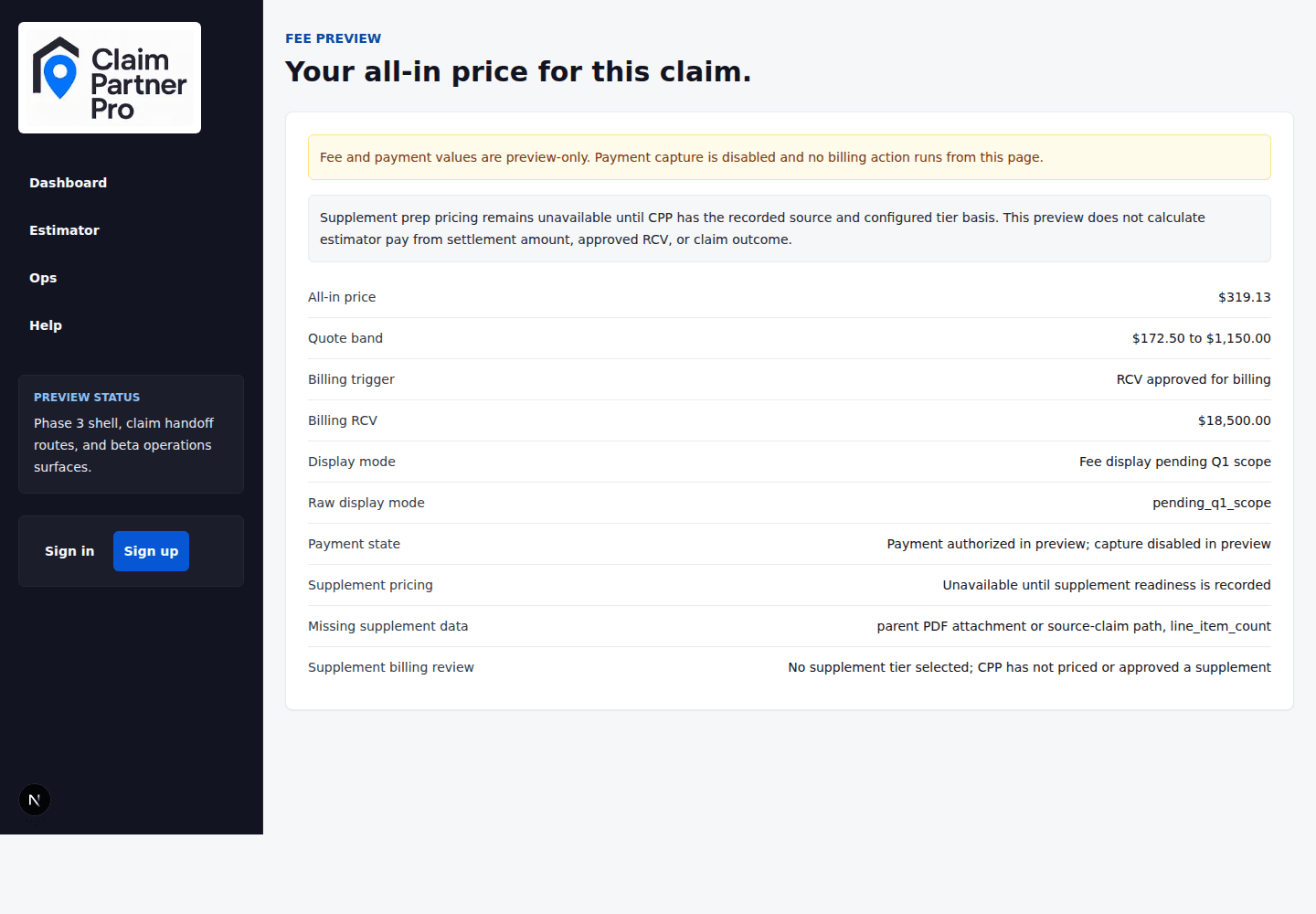
The Fees page shows the all-in price for the claim. Check it before the work moves forward.
Payment history
Payments also show up in the history. Use it to see when the payment status changed and who made the change.
When to ask us
Contact Claim Partner Pro support when the fee shown doesn't match what you agreed to, when the payment status looks out of date, or when the history shows a payment you don't recognize.